Logo Review Guide
When to Use an SVG Logo: A Practical Guide for Web and Brand Systems
Learn when to use an SVG logo for scalable web and brand-system work, when to outline fonts, and when a tested PNG is the safer choice.
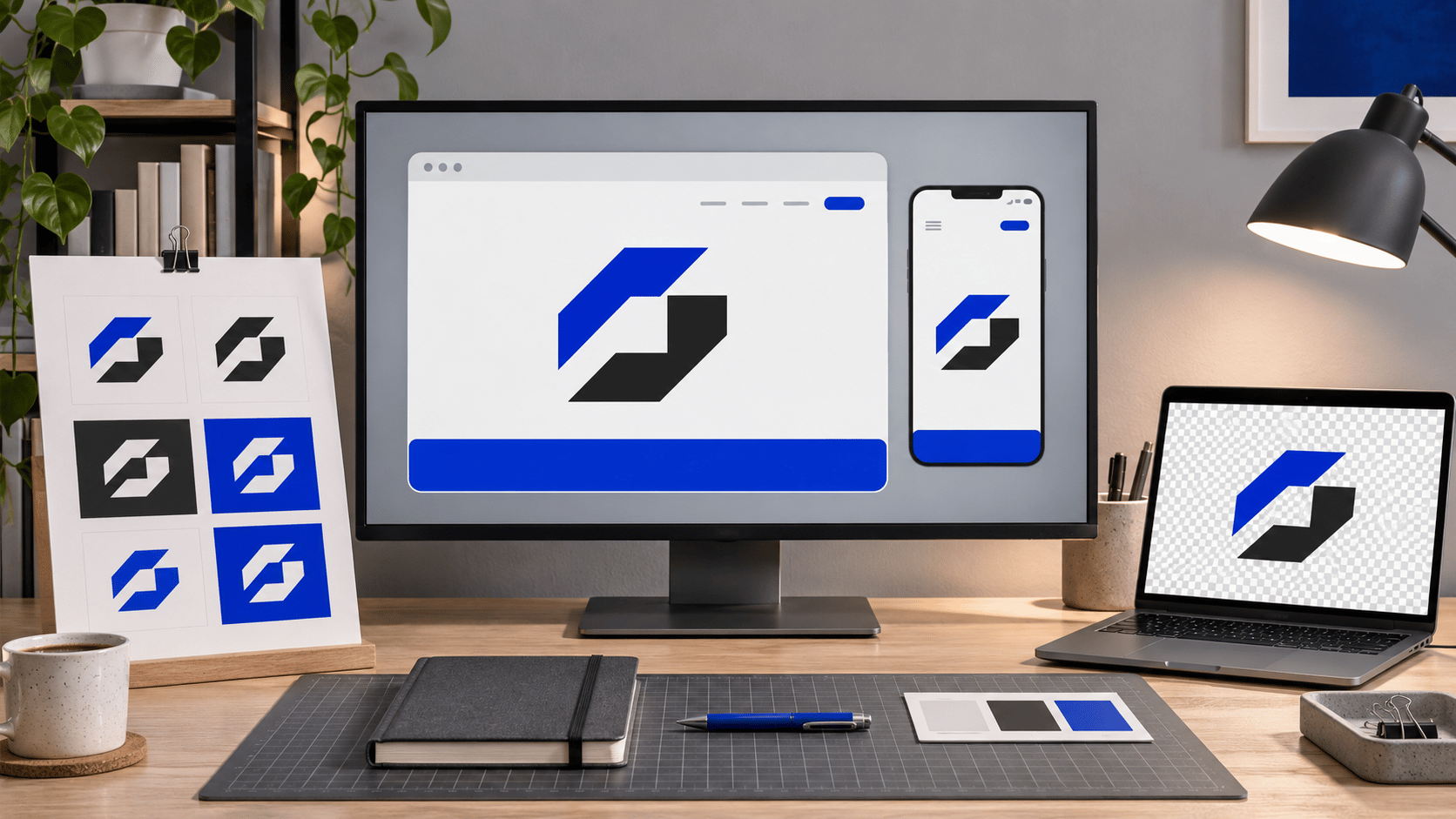
Use an SVG logo when the artwork needs to stay sharp across responsive screens, support a controlled logo system, or move between digital layouts at different sizes. Use a PNG when the destination does not accept SVG, needs a predictable raster upload, or relies on a background and rendering path you have already tested.
The choice is a production decision, not a contest between “modern” and “old-fashioned”. Start with the logo’s real job, the software that will open it, and the smallest or most constrained place where people will see it. For the wider review context, compare the logo evaluation criteria.
Choose the vector starting point
What makes SVG a good fit?
SVG describes artwork with paths, shapes, and fills rather than a fixed grid of pixels. It is a strong starting point when:
Responsive layouts
One logo may appear in desktop navigation, a tablet header, a mobile menu, and a high-density display. Vector rendering avoids the pixel enlargement that softens a small raster export.
A documented logo system
Use approved full, compact, icon-only, light, dark, and one-colour variants. Do not ask engineering to crop or squeeze a full lockup into a space that needs a different arrangement.
A supported content path
Verify the browser, CMS, email editor, social platform, ad system, and upload pipeline. A platform that strips or rejects SVG needs a tested PNG fallback.
A maintainable digital asset
Name the intended variant, record colour and background rules, and state whether it is safe to embed, link, or upload. Scaling alone does not make a handoff usable.
SVG is not automatically production-ready
Inspect the file before handing it to a developer, printer, or partner. Check embedded raster images, live-font dependencies, metadata and IDs, external references, scripts, filters, viewBox proportions, and the actual upload path. Convert wordmark text to paths only when the production workflow calls for a fixed shape; keep an editable source with font and licensing details separately.

Inspect the real asset and its real destination, not only the design-app preview.
Accessibility is contextual.
A linked logo needs an accessible name through visible text or an appropriate alternative. A decorative mark may be hidden when the brand name is already present. Review surrounding controls and content against the W3C accessibility guidance.
A practical SVG versus PNG decision
- List where the logo appears: website, app, document, social, email, print, and production.
- Verify whether each destination accepts SVG reliably and preserves colours.
- Test the smallest important size, light and dark backgrounds, and each approved responsive variant.
- Inspect hidden limits: raster images, live fonts, external references, filters, and unsupported effects.
- Export a tested PNG fallback where a platform expects pixels, while retaining the vector master.
- Document filenames, clear space, minimum size, backgrounds, variants, and restrictions.
For a structured first pass, try the Logo Review Tool. Then compare the logo file formats delivery guide, logo design checklist, and pre-launch testing guide. See how application context changes a review in the restaurant logo review example.
The handoff principle
The best format is the one the next person can use without guessing.
Use SVG for clean, tested responsive vector rendering. Use PNG when the destination expects pixels or when a fixed raster treatment is safer. In both cases, test the application and document the decision.
When to use an SVG logo FAQ
Is SVG always better than PNG for a logo?
No. SVG is often a strong starting point for responsive websites and logo systems, but PNG is better when a platform requires a raster upload, the workflow does not support SVG reliably, or a fixed composition has already been tested. Keep both when the real applications call for both.
Should I use SVG or PNG for a website logo?
Use a tested SVG when the website, browser path, and content system support it, and provide a PNG fallback for unsupported upload paths or rendering failures. Test the actual header, mobile layout, light and dark backgrounds, and smallest important size.
Should logo text be converted to outlines in an SVG?
For a production wordmark that must retain a fixed shape, outlining can remove a dependency on the viewer having the correct font. Keep an editable source with live text and font details separately, and confirm licensing and maintenance needs.
Can an SVG contain a raster image?
Yes. An SVG can embed or reference a raster image. The outer file may scale, but the embedded image still has a resolution limit. Inspect the artwork and test it at the largest important size.
What should I deliver with an SVG logo?
Deliver approved SVG variants, a tested PNG fallback where needed, the editable source, clear filenames, background and colour treatments, minimum-size and clear-space guidance, and notes about fonts, linked assets, licensing, and intended use.