Logo Review Guide
Logo Design Checklist: 15 Checks for Logo Review | Guide
Use this logo design checklist to review clarity, contrast, scalability, and fit before launch. Apply the checks, then try the Logo Review Tool today.
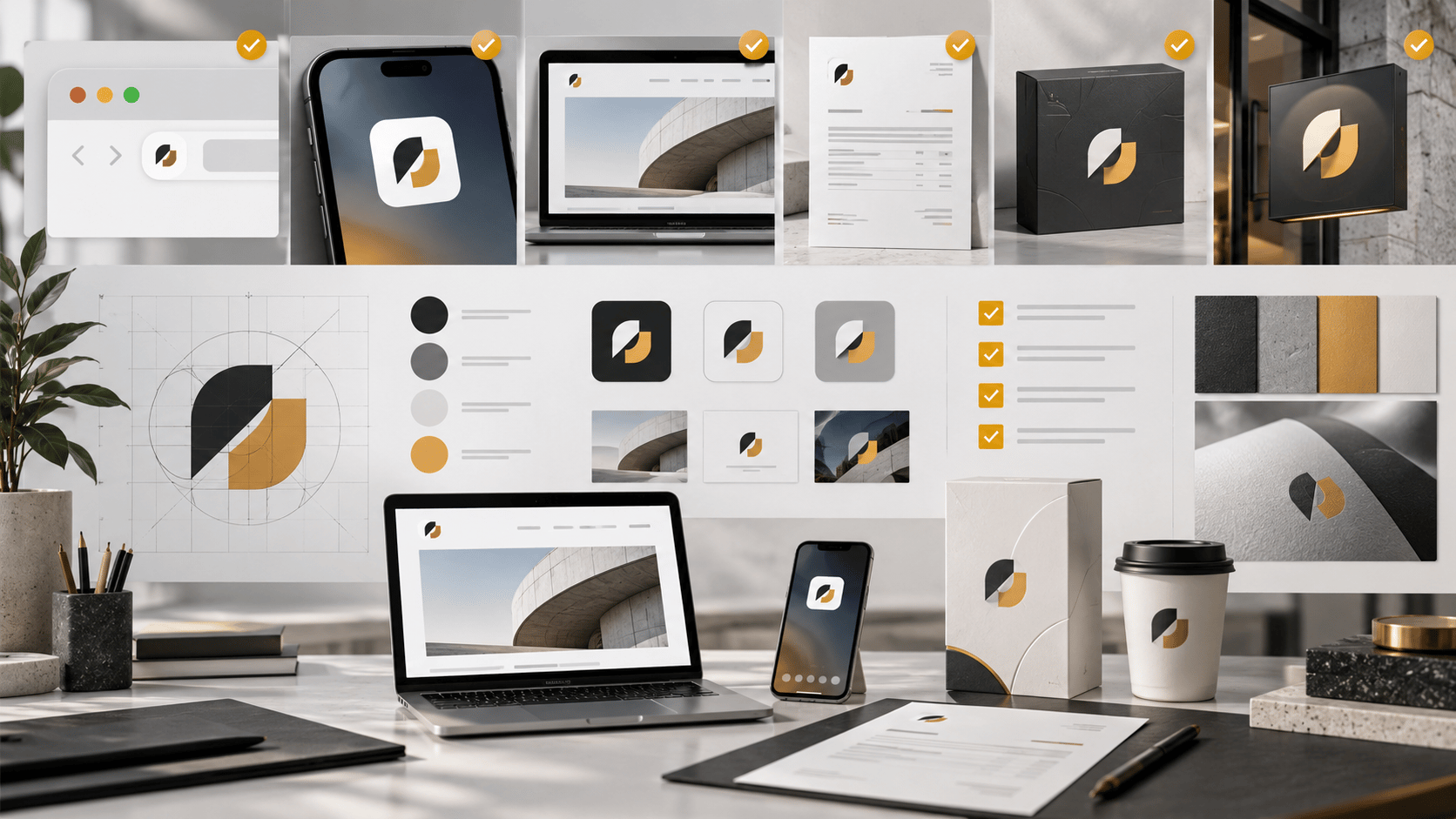

A logo can look polished in a presentation and still struggle in the places your brand is actually seen: a browser tab, a mobile header, a dark interface, a social avatar, or a crowded competitor page. If you are deciding whether to keep, refine, or replace an existing logo, use evidence before personal preference.
This logo design checklist gives founders, brand leads, and designers a repeatable review process. It is for judging an existing mark, not browsing inspiration or diagnosing a single sample case. Work through the checks in order, record what fails, and separate production fixes from deeper identity questions.
Before you start: define the job of the logo
Write down where the logo must work, who needs to recognise it, and what decision you are making. Are you checking a new identity before launch, reviewing a refresh, or trying to make an inherited logo easier to use? Collect the actual files and contexts: the vector master, exports, website header, favicon, social profile, pitch deck, packaging, signage, or product interface.
Do not treat every observation as equally important. A missing dark-background version is a practical system problem. A mark that consistently resembles a direct competitor may be a strategic concern. The logo evaluation criteria page explains the broader dimensions behind a structured review.
The 15-item logo design checklist
1. Confirm the logo has one clear first read
View the mark for a few seconds, then describe what your eye notices first. The symbol, wordmark, and supporting detail should not compete equally for attention. A clear silhouette and deliberate hierarchy make the logo easier to recognise without requiring an explanation.
2. Check relevance without forcing a literal symbol
Ask whether the logo feels appropriate for the brand’s category, audience, and role. It does not need to draw the product literally. A simple mark can be relevant through tone, proportion, or a distinctive visual idea. Avoid rewarding obvious symbolism if it makes the logo generic.
3. Test recognition in black and white
Remove colour and inspect the shape, wordmark, and spacing. If the logo becomes unrecognisable, colour may be carrying too much of the identity. A monochrome version is also useful for invoices, stamps, documents, and production environments where full colour is unavailable.
4. Compare it with real competitors
Place the logo beside five to ten direct competitors at the same scale. Hide the names if possible. Look for category conventions that make the set blur together, such as identical gradients, familiar swooshes, or interchangeable monograms. Distinctiveness is not novelty for its own sake; it is a recognisable feature used consistently.
5. Inspect the silhouette at small sizes
Preview the mark at the sizes your business actually uses, including a favicon, app icon, mobile header, and social avatar. Thin strokes can disappear, counters can close, and separate shapes can merge. Decide whether the core form remains readable or needs a simplified small-size variant.
6. Test the full lockup and icon separately
Review the complete symbol-and-wordmark lockup, then review the icon alone. The lockup may work on a website while the icon fails as a profile image. Conversely, a strong icon may need a better relationship with the wordmark. Record which version is intended for each context.
7. Check spacing and optical balance
Look at the gap between symbol and wordmark, letter spacing, clear space, and the visual weight of each part. Equal mathematical spacing is not always equal optical spacing. Flip the logo horizontally or reduce it dramatically to reveal tangencies, awkward gaps, or an oversized symbol.
8. Review typography as part of the identity
Inspect typeface choice, weight, case, alignment, and distinctive letterforms. Ask whether the typography supports the brand’s audience and job without relying on trend language. For a wordmark, small adjustments to spacing or proportions may solve the problem without replacing the entire identity.
9. Test contrast on real backgrounds
Place the logo on white, near-black, brand-colour panels, and image backgrounds that appear in normal use. The mark should remain visible without a designer improvising a shadow or container every time. For supporting interface text and controls, use the W3C Web Content Accessibility Guidelines as the authoritative reference.
10. Check colour behaviour and colour-vision differences
Review the palette in full colour, grayscale, and common colour-vision simulations. Note whether two close colours become difficult to separate or whether a meaningful part of the mark disappears. Logos have specific treatment in accessibility standards, but the surrounding brand system still needs readable text and usable interfaces.
11. Verify file quality and export readiness
Confirm that an editable vector master exists and that exports are available in the formats your team needs. Check transparent, light-background, dark-background, one-colour, and raster versions. A good design can become unusable when the only available file is a small compressed image.
12. Place it in everyday brand situations
Test the logo in a product navigation bar, email signature, invoice, presentation slide, social profile, printed document, and any physical application that matters. Review the actual layout, not an isolated artboard. Note where the logo feels cramped, too quiet, or difficult to align.
13. Check whether the system can grow
Consider likely extensions: new products, sub-brands, languages, campaigns, or markets. Does the logo have a clear relationship between master brand and product name? A mark does not need to predict every future use, but it should not make normal expansion unnecessarily confusing.
14. Separate visual fixes from strategic problems
Classify each issue as production, system, visual, or strategic. Missing variants and inconsistent spacing are often fixable. A mark that attracts the wrong audience, resembles a competitor too closely, or represents an outdated business direction may require a broader identity discussion.
15. Record the next action and owner
Turn observations into decisions. For every issue, write what to change, why it matters, who owns it, and where the result must be checked. Choose the highest-impact next step rather than trying to perfect every detail at once. A checklist is useful when it produces a clear action, not just a longer list of opinions.
How to use the results without over-scoring
You do not need a single number to decide whether a logo is ready. First, identify failures that block recognition or use. Next, address issues that make the mark harder to distinguish or apply consistently. Finally, refine details that improve polish but do not change the logo’s basic performance.
For a worked, clearly labelled demonstration, see the SaaS startup logo review example. It shows how scalability, differentiation, and context can be discussed without presenting a sample analysis as a customer result. For another practical perspective, read how to critique a logo and how to know if your logo is good.
Turn the checklist into a review workflow
Run the checklist with the same files, sizes, backgrounds, and applications each time. Keep screenshots or notes so your team can compare versions without relying on memory. If reviewers disagree, return to the context and the specific evidence: what was tested, where it failed, and which audience or use case is affected.
The Logo Review Tool can help organise a structured first pass on an existing logo. Use the output as a discussion aid, then apply your own brand context and design judgement. Try the Logo Review Tool before your next review, and use the findings to choose between a production fix, a system update, or a deeper identity conversation.
Common questions
Logo design checklist FAQ
Practical answers for reviewing an existing logo before launch.
What should I check first when reviewing a logo?
Start with the first read: view the logo briefly and describe what stands out. Then test whether the symbol, wordmark, and supporting details have a clear hierarchy before reviewing fine visual details.
How small should I test a logo?
Test the logo in the smallest real contexts where it will appear, such as a favicon, mobile header, app icon, and social avatar. If strokes disappear or counters close, prepare a simplified small-size variant.
Does a good logo need to work in black and white?
A logo should retain a recognisable structure without relying entirely on colour. Black-and-white testing also exposes weak contrast, spacing, and shape decisions that can create problems in print or limited-production contexts.
How do I decide whether to refine or redesign a logo?
Classify each issue as production, system, visual, or strategic. Missing exports or inconsistent spacing may need refinement, while persistent confusion with competitors or a mismatch with the business direction may justify a broader identity review.